 Trackrr
Simple web-based time tracking
Simple time tracking for focused work.
Trackrr helps you record time without making time tracking a project. Organise work by clients and projects, review reports, and send finished timers to Google Calendar.
What it does
The core tools for keeping time records tidy.
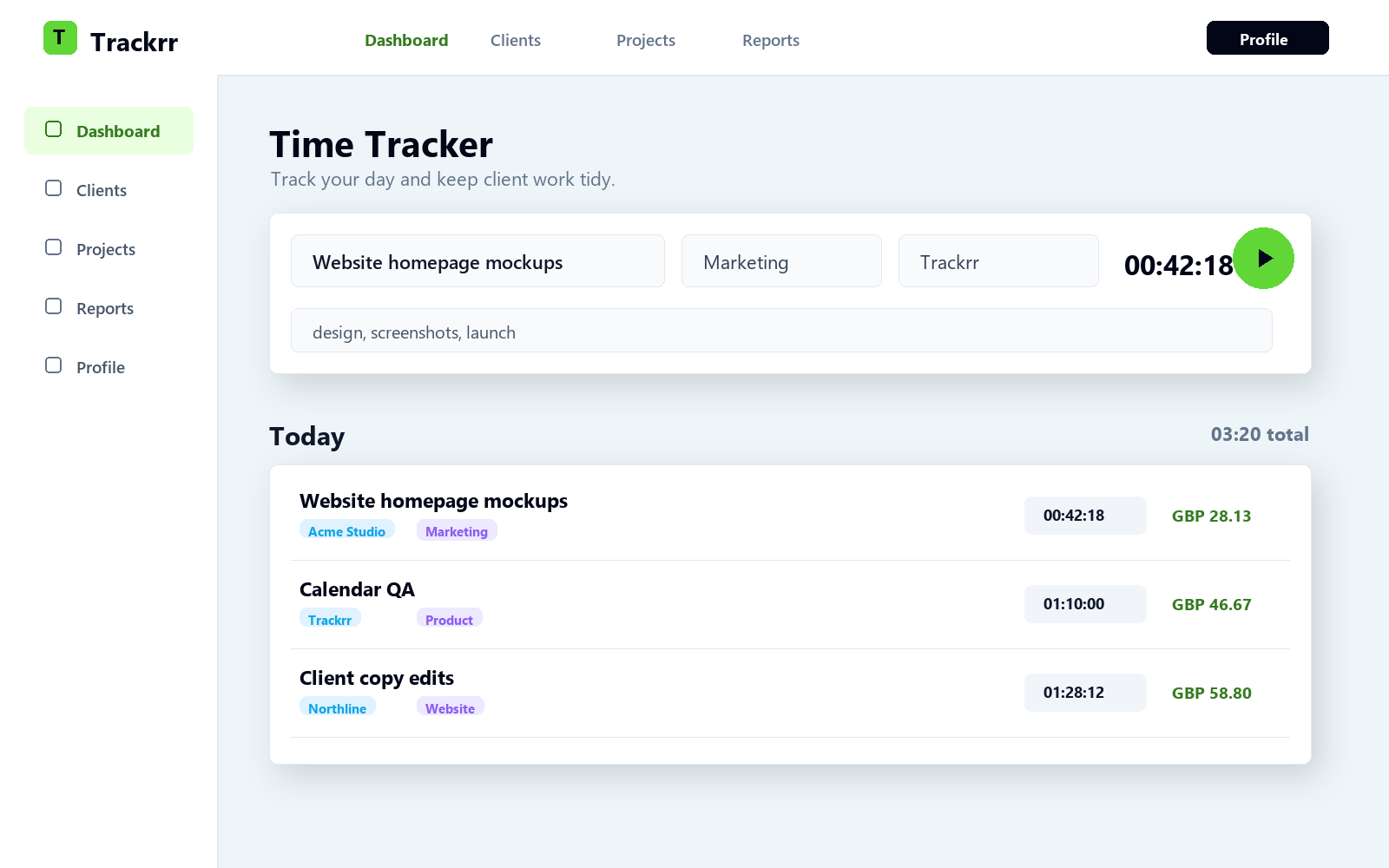
Track time quickly
Start a timer, add a task name, and keep a clean record of where your workday went.
Organise work
Group entries by client and project so your tracked time stays easy to review.
Review reports
See tracked hours by day and understand what you have spent time on.
Calendar sync
Connect Google Calendar and finished timers can appear as calendar events.
Screenshots
A clear view of web and desktop tracking.
Mock screenshots show the dashboard timer, desktop app, reports, and Calendar workflow without exposing real customer data.
Timer workspace
Track work, select a client, and save each entry.
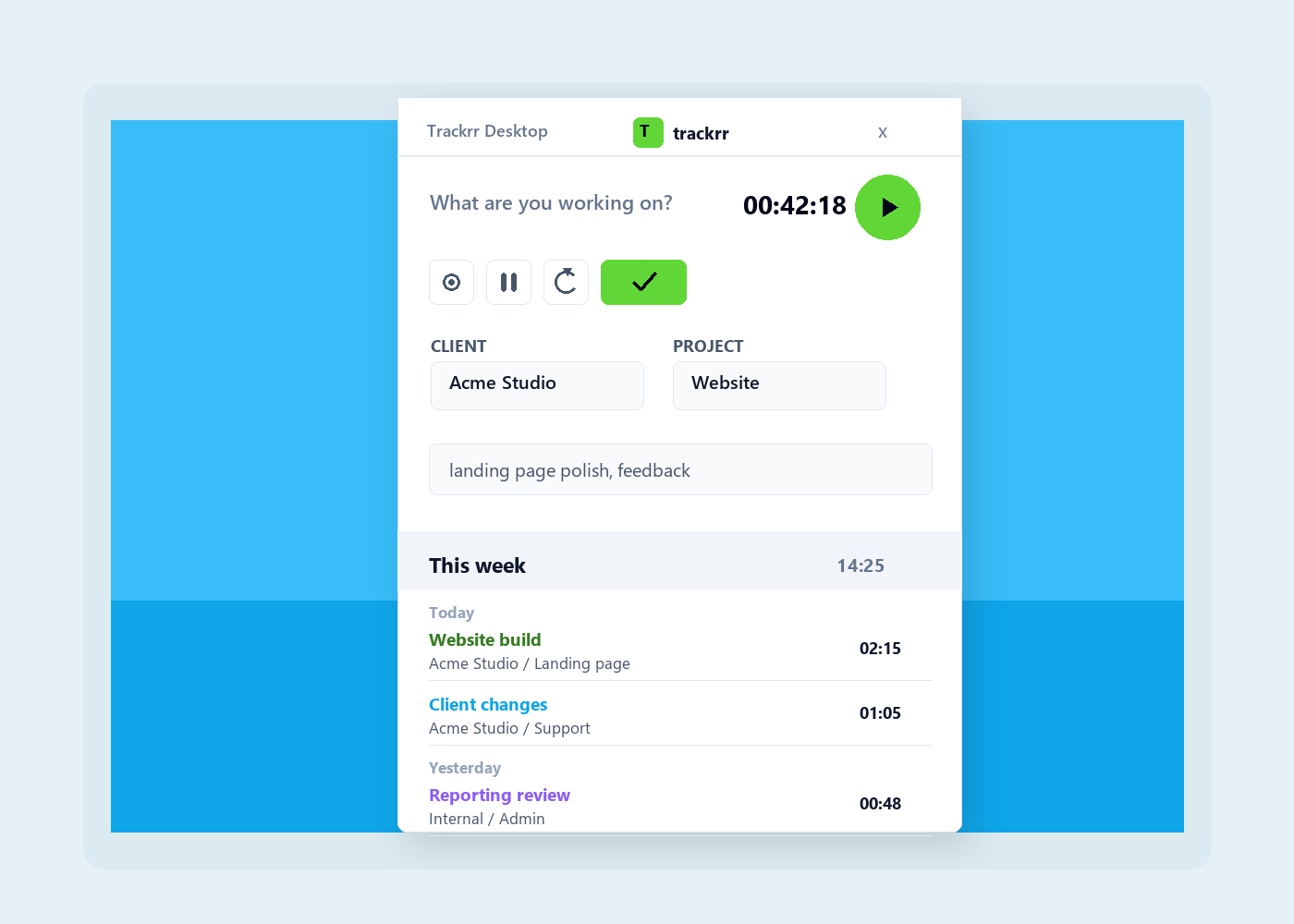
Desktop timer
Start and finish timers without keeping the browser open.
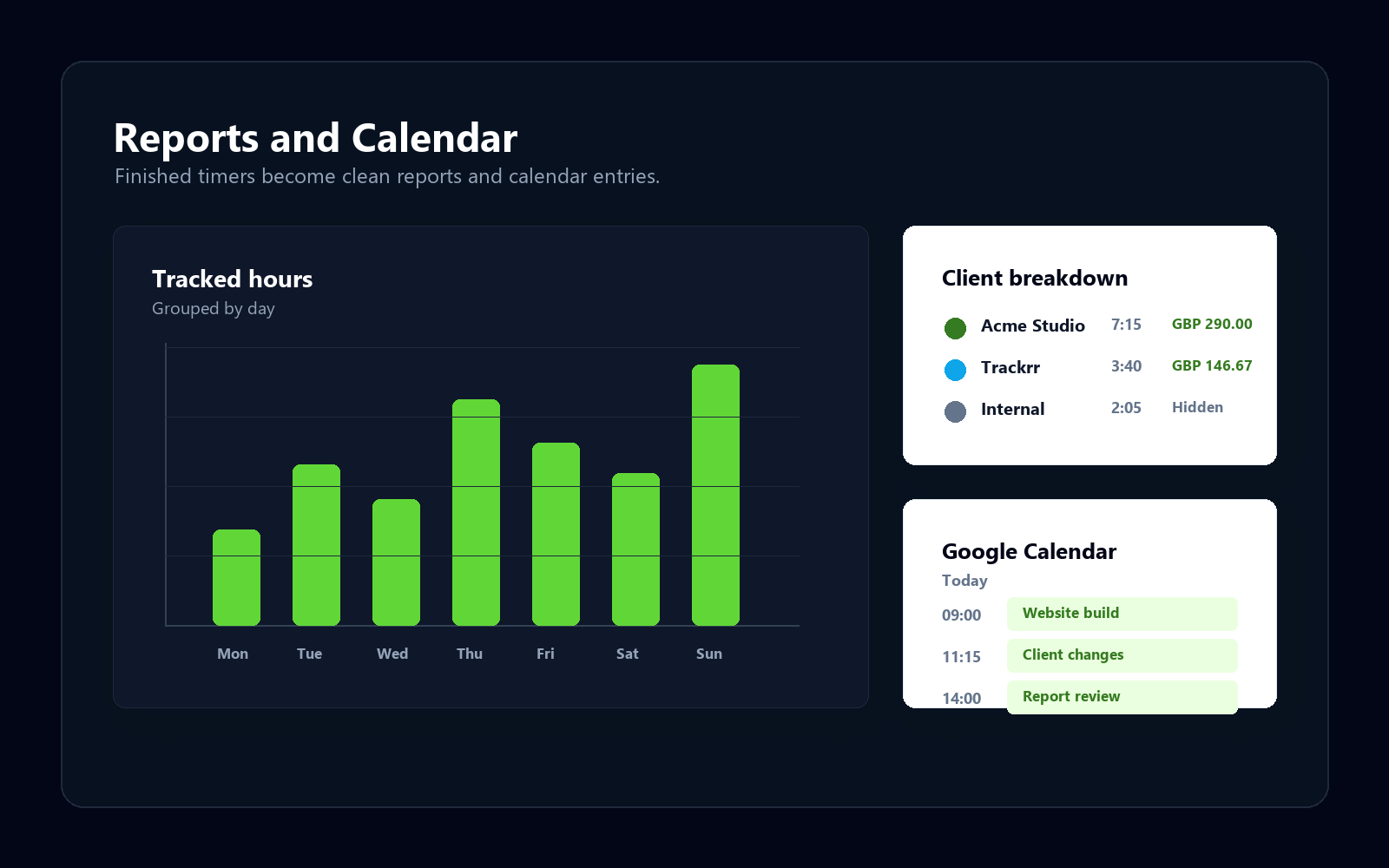
Reports and calendar
Review tracked hours and send completed timers to Calendar.
Plans
Start free, upgrade when your workload grows.
Trackrr keeps the free plan useful for simple tracking, with Plus shaped around fuller history, larger client lists, and Google Calendar sync.
Good for getting started
Free
£0
Simple web-based time tracking with sensible limits while Trackrr grows.
- Up to 10 clients
- Up to 10 projects
- One project per client
- Recent timer history
- Basic reports and in-app calendar
- Client and project hourly rates
For heavier client work
Plus
Coming soon
More room for active work, deeper history, and calendar sync when you need it.
- Everything in Free
- Full timer history
- More clients and projects
- Multiple projects per client
- Google Calendar sync
- Expanded reporting range
- ASAP rate tracking
Bring a little order to your working day.
Start tracking time in Trackrr and build a clearer picture of your work.